
ASUS RT-AX1800S
4.3Editor score
WiFi 6 standard support
Built-in VPN features
Five gigabit ports
This guide compares the top ten ASUS WiFi routers for speed, security, and coverage to help you choose the right home network solution.
Finding a reliable home network starts with choosing the right router. ASUS offers a wide range of options designed to handle modern streaming and gaming demands efficiently.
We compared ten top models based on speed, security features, and mesh compatibility. This list covers everything from budget-friendly options to high-performance gaming systems.
Each pick highlights key strengths and potential drawbacks for informed decisions. Please note that prices and availability may change frequently over time.
4.3Editor score

4.5Editor score

4.3Editor score
The following table provides a side-by-side overview of all ten selected routers. It highlights core specifications to help you quickly compare performance and features.
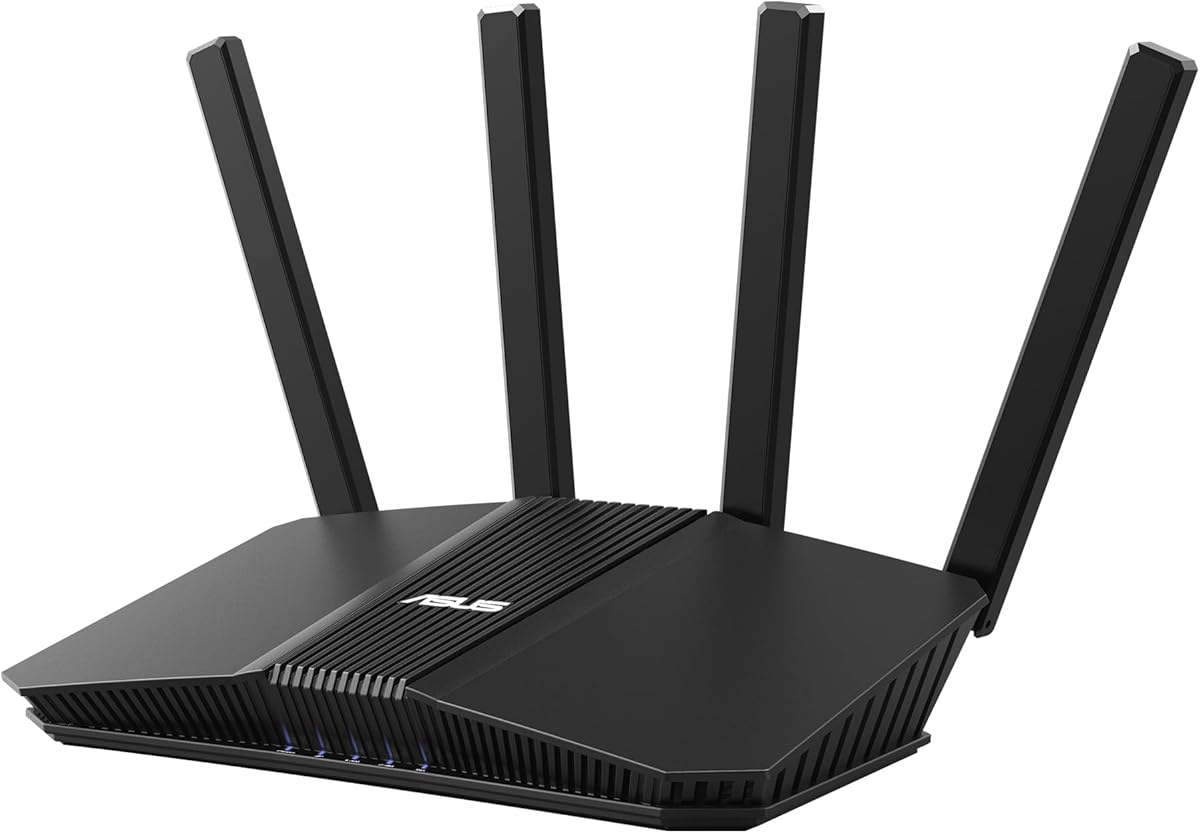

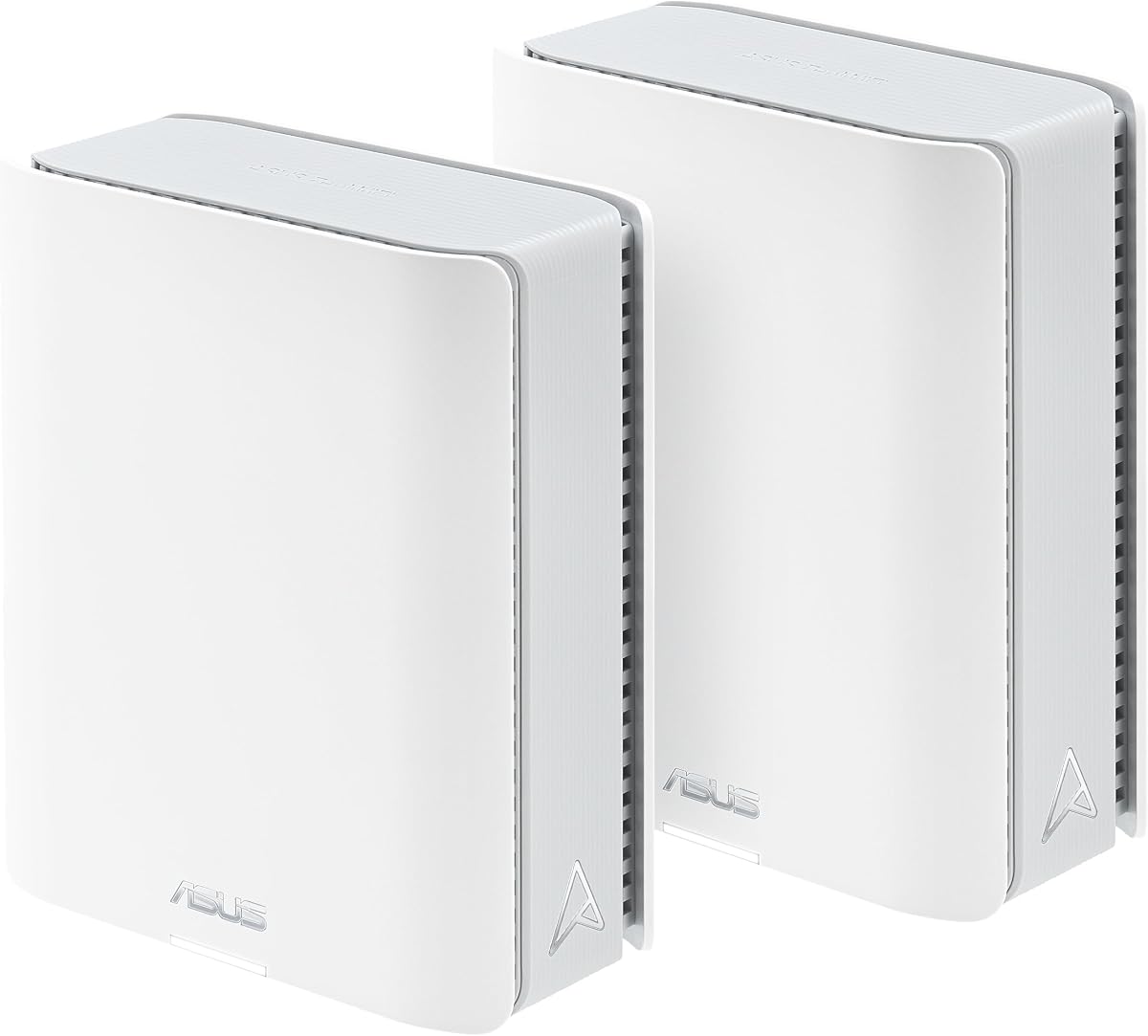



The ASUS RT-AX1800S offers a cost-effective entry into WiFi 6 networking. It delivers solid performance for standard home use without breaking the bank.
We may earn a commission when you buy through this link, at no additional cost to you.
Its dual-core processor and external antennas ensure stable connections for multiple devices. The built-in VPN and security features add significant value at this price.
While it lacks the raw speed of higher-end models, it handles streaming and browsing efficiently. The limited advanced customization might not satisfy power users.
This router is ideal for small to medium homes needing reliable coverage. We recommend it for users seeking essential modern features at a low cost.
AiProtection Classic powered by Trend Micro provides robust security for all connected devices automatically.
Support for MU-MIMO and OFDMA ensures efficient data allocation across multiple connected devices simultaneously.
We may earn a commission when you buy through this link, at no additional cost to you.
The ASUS RT-BE58U brings next-generation WiFi 7 technology to the home market. It supports speeds up to 3.6 Gbps for demanding users.
We may earn a commission when you buy through this link, at no additional cost to you.
Multi-link operation allows stable connections across multiple bands simultaneously. The Smart Home Master feature simplifies IoT device management significantly.
Investment in WiFi 7 is significant since compatible devices are still emerging. However, it future-proofs the network for upcoming high-speed internet plans.
This router suits early adopters and users with high-bandwidth needs. It is a powerful choice for those wanting the latest connectivity standards now.
Linking to multiple bands ensures stable internet even during peak usage times.
Up to three SSIDs help organize and secure IoT devices separately from main traffic.
We may earn a commission when you buy through this link, at no additional cost to you.
The ROG Rapture GT-BE98 Pro stands out as a top-tier gaming router. It delivers up to 30 Gbps speeds with quad-band connectivity.
We may earn a commission when you buy through this link, at no additional cost to you.
Triple-Level Game Acceleration optimizes traffic from the PC to the game server. This reduces lag significantly for competitive online gaming experiences.
The price tag is substantial and may not justify the cost for casual users. However, it offers unmatched performance for dedicated gaming setups.
We recommend this for serious gamers needing maximum throughput and low latency. It is the ultimate choice for high-performance network environments.
Optimizes traffic from the gaming PC to the server for minimal lag.
External dual-feeding antennas boost coverage and signal strength significantly.
We may earn a commission when you buy through this link, at no additional cost to you.
The ASUS RT-BE92U offers tri-band WiFi 7 performance with speeds reaching 9.7 Gbps. It balances high throughput with smart home management features.
We may earn a commission when you buy through this link, at no additional cost to you.
Dual WAN options ensure always-on internet connectivity even if one line fails. The Smart Home Master simplifies device segmentation for better control.
This model is expensive and requires compatible hardware to reach top speeds. However, it provides excellent stability for large households with heavy usage.
It suits users needing robust connectivity and advanced network segmentation. We recommend it for tech-savvy households prioritizing performance and security.
Establish always-on internet with AI WAN detection and USB tethering support.
AiProtection Pro powered by Trend Micro protects against malware and vulnerabilities.
We may earn a commission when you buy through this link, at no additional cost to you.
The ZenWiFi BT10 is a powerful mesh system designed for large homes. It covers up to 6,000 sq ft with tri-band connectivity.
We may earn a commission when you buy through this link, at no additional cost to you.
Internal antennas and high-power modules help eliminate dead zones effectively. The dual 10G ports provide ultrafast wired connectivity for key devices.
User ratings are slightly lower than expected for this price point. Performance may vary depending on specific home layouts and building materials.
This system is ideal for large estates needing seamless coverage. We recommend checking current reviews before purchasing to ensure satisfaction.
Delivers robust backhaul connections and seamless connectivity for all devices.
Dual 10G WAN and LAN ports support ultrahigh-speed wired networks.
We may earn a commission when you buy through this link, at no additional cost to you.
The RT-AX82U focuses heavily on gaming and mobile optimization. It offers speeds up to 5400 Mbps with 160MHz channel support.
We may earn a commission when you buy through this link, at no additional cost to you.
Mobile Game Mode minimizes lag specifically for phone gaming with a simple tap. The renewed unit provides significant savings compared to brand new hardware.
Buying renewed carries a slight risk of cosmetic wear or issues. However, the core performance remains excellent for competitive gaming needs.
This router suits mobile gamers and those seeking affordable premium features. We recommend it for users prioritizing low latency and smart aesthetics.
Minimize lag and latency for mobile gaming with just a tap on the app.
Create a flexible, seamless whole-home mesh network with compatible routers.
We may earn a commission when you buy through this link, at no additional cost to you.
The ZenWiFi BT8 provides a compact option for WiFi 7 mesh networks. It covers up to 3000 sq ft with robust tri-band speeds.
We may earn a commission when you buy through this link, at no additional cost to you.
Seven internal antennas ensure strong signal coverage throughout the area. Commercial-grade AiProtection Pro keeps connected devices secure continuously.
Buying a single pack limits coverage if your home is large. You may need to purchase additional units to scale the network.
This model suits apartments or small homes needing modern mesh tech. We recommend it for users wanting WiFi 7 without a large footprint.
Boosts coverage and extends networks seamlessly with compatible ASUS routers.
24/7 protection with commercial-grade AiProtection Pro and advanced VPNs.
We may earn a commission when you buy through this link, at no additional cost to you.
The ASUS RT-AX3000 is a reliable workhorse for most households. It supports up to 3000 Mbps with efficient WiFi 6 technology.
We may earn a commission when you buy through this link, at no additional cost to you.
Its lifetime free AiProtection Pro ensures continuous security without extra fees. The unit integrates well with other routers for mesh expansion.
While the design is older, performance remains competitive in current markets. The USB port adds utility for sharing storage locally on the network.
This router is perfect for users wanting balance between cost and performance. We recommend it for families needing dependable and secure connectivity.
Future proof your home network with next-gen WiFi 6 technology and OFDMA.
AiMesh technology allows you to establish an even stronger mesh WiFi system.
We may earn a commission when you buy through this link, at no additional cost to you.
The RT-AC68U is a legendary router known for long-term reliability. It provides up to 1900 Mbps with five Gigabit LAN ports.
We may earn a commission when you buy through this link, at no additional cost to you.
Its dual-core CPU enables smart multitasking for USB and Wi-Fi data. The security suite includes malicious site blocking and infection prevention.
It lacks newer WiFi 6 features found in modern routers. However, it remains a solid choice for basic high-speed home internet needs.
This router suits users needing many wired connections on a budget. We recommend it for legacy setups prioritizing physical connectivity options.
Compatibility and performance with latest 802.11AC 3×3 technology for speeds.
Monitor your network with ease from your mobile device using the Asus app.
We may earn a commission when you buy through this link, at no additional cost to you.
The ExpertWiFi EBR63 is designed specifically for small office environments. It offers custom guest portals and VLAN support for network segregation.
We may earn a commission when you buy through this link, at no additional cost to you.
Businesses can separate traffic using up to five SSIDs easily. Remote management simplifies IT maintenance without physical access to the device.
Some features like custom portals may not appeal to home users. The cost is higher than standard home routers due to business specs.
This router is ideal for small businesses needing reliable network management. We recommend it for offices requiring secure and separate guest access.
Up to five SSIDs to separate and prioritize devices for different scenarios.
Customize the SSID, portal type, brand name and templates to fit your style.
We may earn a commission when you buy through this link, at no additional cost to you.
Choosing the right ASUS router depends on your home size, device count, and budget. Here are the key factors to consider.
WiFi 7 is the latest standard offering extreme speeds for future devices. WiFi 6 is currently the standard for most homes offering excellent value and performance for streaming.
Prioritize WiFi 7 if you plan to upgrade devices soon but budget 6 is sufficient for current needs.
Single routers work well for apartments and small homes under 3000 sq ft. Larger homes often benefit from mesh systems like ZenWiFi to eliminate dead zones effectively.
Consider a mesh system if your current setup has weak signal areas in specific rooms.
Check the number of LAN ports required for wired devices like gaming PCs. Business routers like ExpertWiFi offer more ports and USB options for storage sharing.
Ensure you have enough ports for all devices that need stable wired connections.
Most models include AiProtection Pro powered by Trend Micro for advanced threat protection. This feature is often free and helps protect all connected devices automatically.
Look for built-in VPN support if you need secure remote access to your home network.
Gaming routers like ROG Rapture offer dedicated acceleration and lower latency features. These help prioritize gaming traffic over other downloads on the network.
Choose a dedicated gaming model if you play competitive online games frequently.
AiMesh allows you to mix different router models to expand your network later. This flexibility is helpful if you need to cover a large area over time.
Ensure your chosen router supports AiMesh if you plan to expand your system.
Prices vary significantly from entry-level AC models to premium WiFi 7 systems. Determine your maximum budget before comparing features to avoid overspending.
Balance your needs with cost to find the best value for your specific situation.
Place your router in a central elevated location away from thick walls for best coverage. Ensure it has enough ventilation to prevent overheating during extended use.
Update firmware regularly through the ASUS Router app or web interface to maintain security. This process patches vulnerabilities and often improves overall performance significantly.
Run periodic speed tests using your devices to ensure optimal performance. If speeds drop unexpectedly, reboot the router to clear temporary cache and restore stability.
Yes, especially the ROG Rapture series which includes dedicated game acceleration. These features prioritize gaming traffic to reduce latency and lag during matches.
Most models support AiMesh technology allowing seamless whole-home coverage. You can mix compatible models to expand your network without changing everything at once.
Yes, it includes lifetime free protection for most consumer models. This offers commercial-grade security without requiring a monthly subscription or extra costs.
Mesh systems like ZenWiFi BT10 are best for large homes. They provide up to 6000 sq ft coverage to eliminate dead zones effectively throughout the property.
Newer routers support WiFi 6 or 7 standards compatible with modern ISPs. Older models work but may not support higher speeds from recent fiber plans.
Use the ASUS Router app to schedule internet access for specific devices. This feature is included with most models and helps manage family usage easily.
This guide highlighted ten distinct routers ranging from budget to premium tiers. Each model serves different needs from casual browsing to competitive gaming.
Prioritize speed and coverage based on your home size and connected device count. Security features are consistent across models ensuring a safe network experience.
Always check current availability and pricing before making your final purchase decision. Deals often change so comparing prices ensures you get the best value.