
Cosmo Mini 100 Copy Stand
4.3Editor score
Compact and portable design
Floating magnet board included
Smartphone camera compatible
This guide compares top copy stands for film scanning and photo digitizing, evaluating stability, compatibility, and ease of use to help you choose the right
Choosing the right copy stand is essential for high-quality film scanning and photo digitizing. A good stand ensures stability, proper alignment, and consistent results for your archival projects.
We compared ten top-rated copy stands based on build quality, adjustability, and device compatibility. Our analysis covers options for hobbyists, professionals, and creative work.
Each pick highlights key features and ideal use cases. Prices and availability change frequently, so verify details on the product page before purchasing your new digitizing tool.
4.3Editor score
4.8Editor score

4.6Editor score
The following table provides a side-by-side comparison of all ten copy stands. Review the specifications to find the model that best fits your digitizing needs.




The Cosmo Mini 100 is a top choice for budget-conscious users seeking reliable photo digitizing. With a 4.3 rating, it offers ease of use for hobbyists.
We may earn a commission when you buy through this link, at no additional cost to you.
Its compact design fits easily on desks. The adjustable column and side hole for smartphones ensure precise alignment for consistent scans.
While limited by its small base, it is perfect for checks, coins, and small photos. The magnetic board keeps originals flat for better image quality.
Buy this if you need a portable solution for casual digitizing tasks. It is ideal for students and hobbyists scanning small items.
The side hole aligns your phone camera perfectly over the center, making it great for mobile check deposits.
Assembles in under one minute, so you can start digitizing immediately without complex tools.
We may earn a commission when you buy through this link, at no additional cost to you.
The Cosmo Mini 300 is a reliable compact stand for amateur digitizing. It supports cameras up to 3 pounds, offering more versatility than the Mini 100.
We may earn a commission when you buy through this link, at no additional cost to you.
Its baseboard design includes a center hole for cameras and a side hole for smartphones. The adjustable bracket ensures precise positioning for high-pixel photos.
The included floating magnet board keeps documents flat. However, its design is not intended for professional or large-format scanning work.
Choose this for hobbyist projects requiring more height adjustment. It balances portability with enough rigidity for small DSLRs.
Supports cameras up to 3 lbs, allowing use with small DSLRs or mirrorless cameras for better quality.
Reversible aluminum L-bracket adjusts from 7 to 17 inches vertically for flexible framing.
We may earn a commission when you buy through this link, at no additional cost to you.
This Copy Macro Stand is designed specifically for film digitization. Its heavy-duty metal construction ensures stability during 135/120 negative scanning.
We may earn a commission when you buy through this link, at no additional cost to you.
The built-in bubble level and locking knobs prevent lens tilt. The quick-release plate makes mounting your DSLR fast and secure.
While weight might limit portability, it offers professional-grade stability. It is ideal for macro shoots and animation tasks.
Select this for serious film digitizing needs. It provides the rigidity required for high-quality scans.
Built-in bubble level and locking knob keep your camera perfectly aligned to prevent lens tilt.
Aluminum alloy frame and sturdy base support heavy camera setups for professional work.
We may earn a commission when you buy through this link, at no additional cost to you.
The Kaiser 205411 is a professional-grade copy stand with a 4.6 rating. Its non-reflective base reduces glare for better digital copies.
We may earn a commission when you buy through this link, at no additional cost to you.
The rotatable column allows versatile positioning. The printed fine grid ensures precise alignment and sizing during scans.
While the price is higher, the build quality justifies it. It is designed for durability and precision in professional settings.
Invest in this if you need reliability and precision. It is excellent for small SLR cameras and detailed digitizing.
Non-reflective matte gray base board minimizes glare, improving image quality for digitized photos.
Column rotates 180 degrees, offering greater flexibility for different shooting angles.
We may earn a commission when you buy through this link, at no additional cost to you.
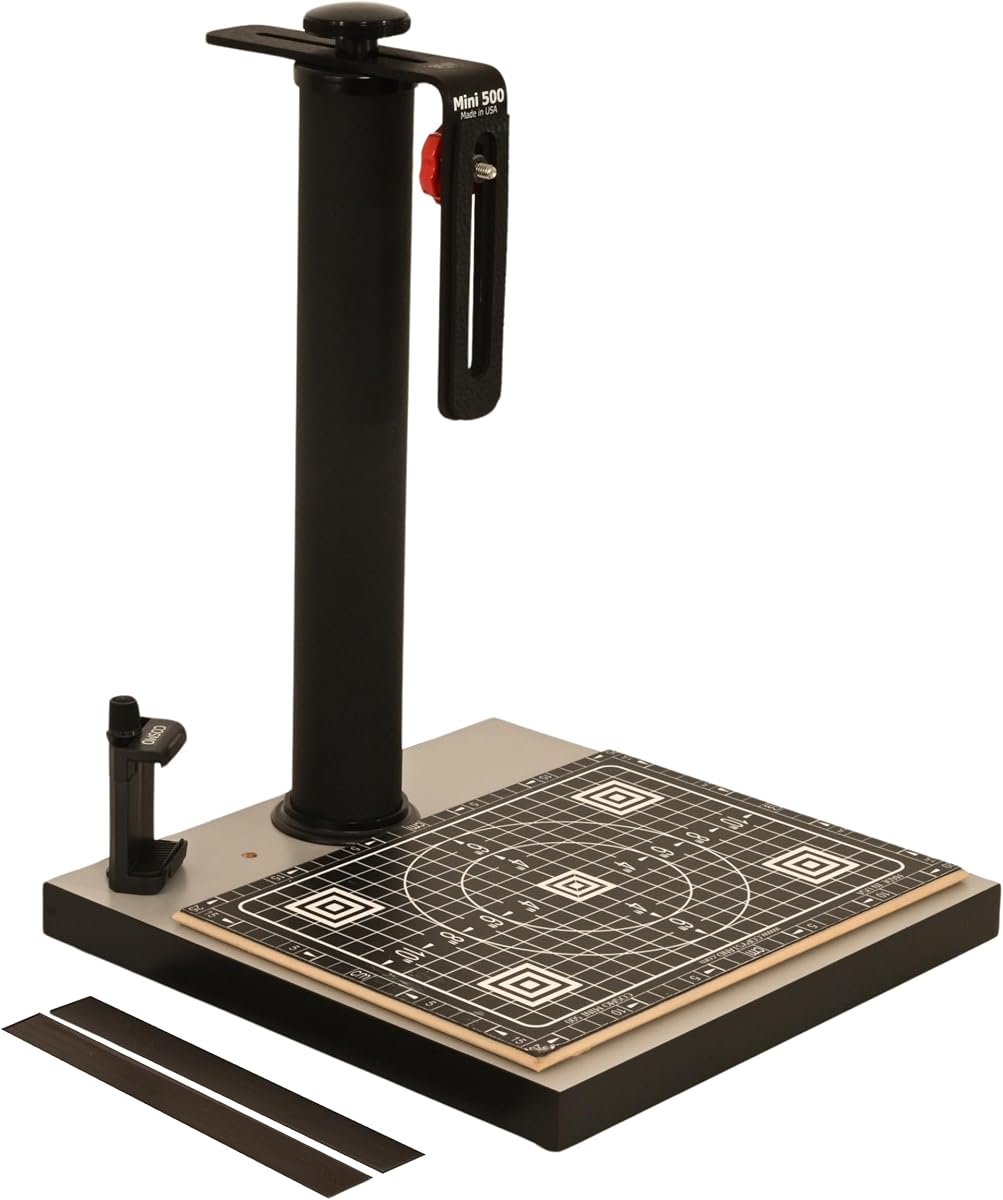
The Cosmo Mini 500 is sturdy and designed for creative projects like tattoos and sketches. Its heavy-duty base provides stability for various items.
We may earn a commission when you buy through this link, at no additional cost to you.
It includes a phone holder for flexible digitizing. The 12×12 inch base is larger than the Mini 100, handling medium-sized photos easily.
For high-quality scans, you may need an external light box. It is not a professional stand but ideal for hobbyists.
Use this for digitizing artwork or restorations. It is reliable for small DSLRs up to 3 lbs.
Perfect for digitizing slides, negatives, and calligraphy. It is also suitable for video projects.
Fixed steel column with black wrinkle powder coating ensures rigidity and long-lasting use.
We may earn a commission when you buy through this link, at no additional cost to you.
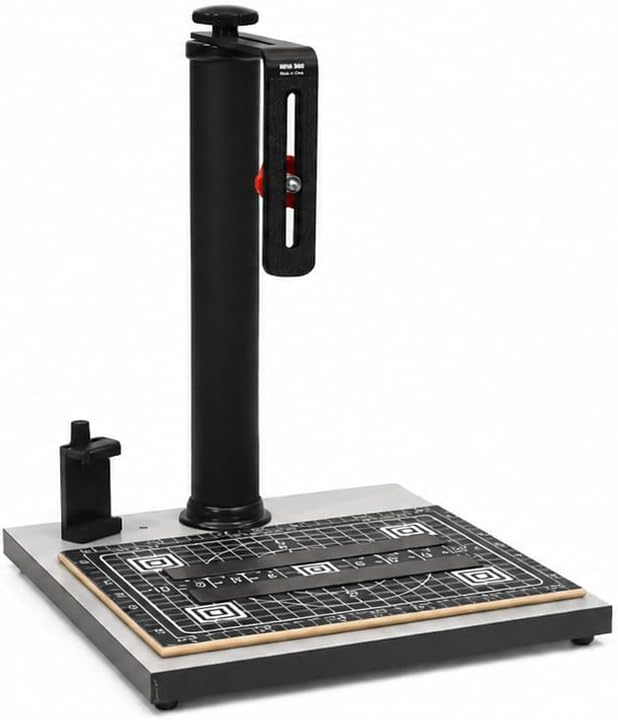
This Cosmo Mini 500 variant offers a slightly larger base. It maintains the same sturdy design as the previous model, ideal for various digitizing tasks.
We may earn a commission when you buy through this link, at no additional cost to you.
The precision grid and magnetic strips ensure accurate alignment. It supports DSLRs up to 3 lbs for higher quality than smartphones.
It is a great balance between portability and capacity. It handles documents and small objects effectively.
Choose this if you need a reliable mid-range option. It is perfect for hobbyists and students.
Heavy-duty 13×12.5 inch baseboard provides more space for documents than smaller models.
Side hole allows precise smartphone alignment while center hole fits camera mounts.
We may earn a commission when you buy through this link, at no additional cost to you.
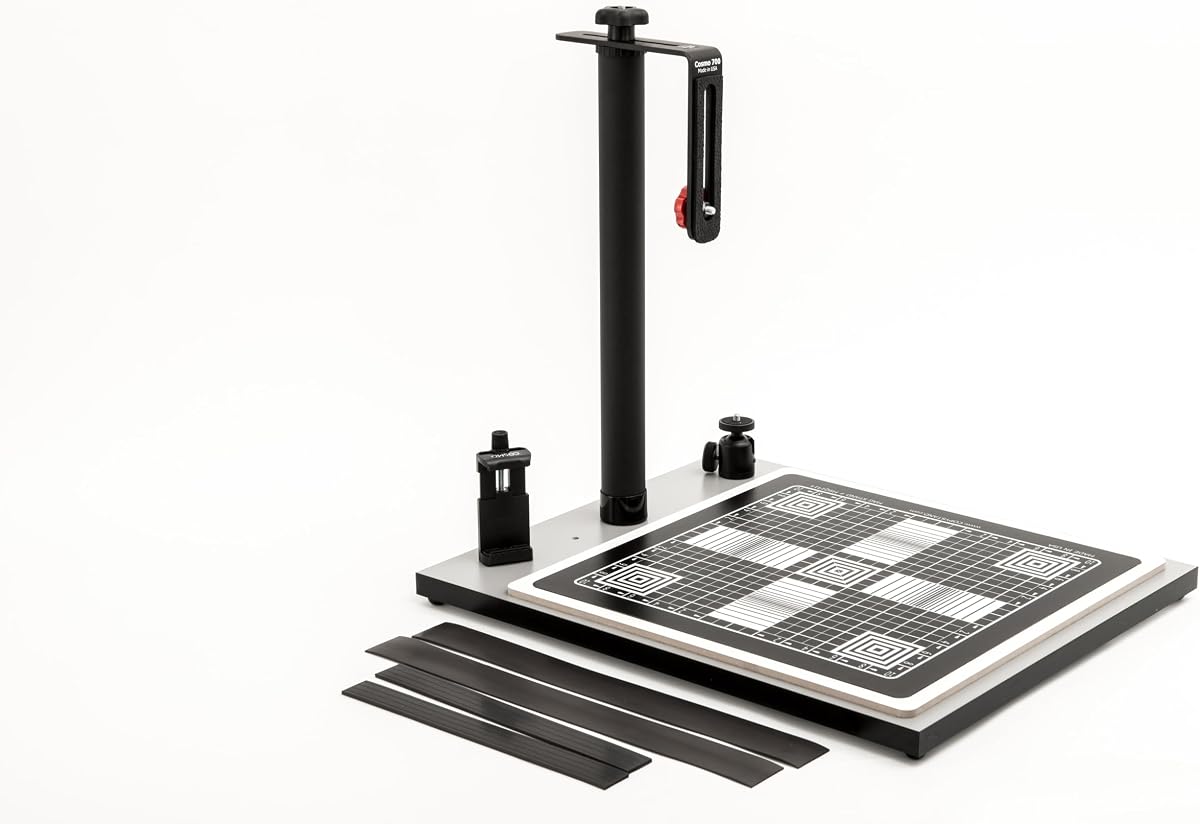
The Cosmo Mini 700 features a large baseboard for big documents and food plates. It is highly rated for versatile digitizing needs.
We may earn a commission when you buy through this link, at no additional cost to you.
Its 15×15 inch magnetic board ensures large originals stay flat. The ball head allows smooth angle adjustments for perfect shots.
While heavier, it offers stability for large items. It handles modern smartphones and compact cameras with ease.
Buy this for online sellers or food photographers. It is ideal for creating professional-looking images.
Perfect for digitizing food plates and meal photos for online vendors and social media.
Ball head included for smooth and precise angle adjustments for your camera.
We may earn a commission when you buy through this link, at no additional cost to you.
With a 4.8 rating, this Cosmo Mini 700 is perfect for social media and e-commerce needs. It handles large documents and food items beautifully.
We may earn a commission when you buy through this link, at no additional cost to you.
The large magnetic board ensures consistency in your shots. The phone holder fits most modern smartphones for easy access.
It is ideal for online sellers wanting high-quality product images. However, its size may not suit small desktops.
Choose this for content creation tasks. It is a top choice for food photographers and sellers.
With a 4.8 rating, users praise its versatility for food and document digitizing.
Includes a ball head and phone holder for flexible smartphone and camera mounting.
We may earn a commission when you buy through this link, at no additional cost to you.
The Kaiser RS1 is a professional tool designed for critical digitizing work. Its vibration-resistant column ensures sharp images even with heavy lenses.
We may earn a commission when you buy through this link, at no additional cost to you.
The roll-off spring mechanism compensates for weight. It is ideal for users requiring extreme stability during film scanning.
Its price is high, reflecting its industrial quality. It is not needed for casual hobbyists but essential for pros.
Select this for professional archival work. It provides unmatched stability and durability.
Extra-wide column of matte black anodized aluminum tubing ensures extreme vibration resistance.
Roll-off spring mechanism offers weight compensation for smooth and stable arm movement.
We may earn a commission when you buy through this link, at no additional cost to you.
This Mag Stand is a highly rated flatholder for quick copying. Its 5.0 rating reflects its precision and ease of use.
We may earn a commission when you buy through this link, at no additional cost to you.
The laminated surface prevents glare while the grids ensure alignment. It is perfect for desk use or mounting on stands.
While it lacks a vertical stand, it excels at keeping originals flat. It is a reliable accessory for any digitizing workflow.
Use this for scanning documents and art. It is excellent for use with overhead cameras.
Can be placed on a desk or on the base of a copy stand for maximum flexibility.
Laminated with half-inch precision grids for initial setting, focusing, and sizing.
We may earn a commission when you buy through this link, at no additional cost to you.
Choosing a copy stand requires understanding your specific needs. The following factors help you pick the right model for your work.
A larger base accommodates bigger documents or photos. Look for non-reflective surfaces to reduce glare and ensure flat magnetic areas.
Prioritize base size based on the largest item you plan to digitize regularly.
Aluminum or steel columns provide better stability than plastic. Ensure the stand is heavy enough to resist shaking during shots.
Choose metal construction for professional quality and long-lasting durability.
Adjustable columns let you frame your subject correctly. Check if the range suits your camera's focal length and working distance.
Select a height range that fits your workspace and lens requirements.
Ensure the stand supports your device weight. Phone holders should fit your phone size or have adjustable mounts for DSLRs.
Verify weight limits to avoid damage to your equipment or the stand.
Look for features like grids, center holes, and leveling bubbles. These tools make framing easier and more precise for every shot.
Opt for models with built-in alignment aids to improve consistency.
Some stands require external light boxes for transparency or low-light items. Check if lighting is included or if you need to buy it separately.
Ensure the stand allows space for lights or lightboxes in your setup.
If you need to move your setup often, check the weight. Compact models are easier to transport than heavy industrial ones.
Choose a lightweight model if portability is a priority for your workflow.
Prices vary widely from budget to premium options. Consider your needs and budget when selecting a model.
Find a balance between cost and features to avoid overspending.
Place the stand on a stable, flat surface. Ensure the baseboard is level and secure before mounting your camera or phone.
Mount your camera securely using the quick-release plate. Adjust the column height and angle to frame your subject perfectly.
Clean the baseboard regularly with a soft cloth. Avoid harsh chemicals that could damage the magnetic or laminated surface.
Yes, many stands include side holes or brackets for smartphones. Check the width compatibility listed in the specs to ensure a fit.
Most supports up to 3 lbs. Verify the load capacity to ensure your camera and lens fit the stand safely.
It is a magnetic surface that keeps originals flat. This ensures consistent alignment and prevents wrinkling during digitizing.
For film, you may need a light box. Check if the stand allows external lights or if it includes built-in illumination.
Quality stands use metal frames and wide bases. Check for locking knobs to prevent movement during shots.
Wipe gently with a dry cloth. Avoid abrasive cleaners to preserve the non-reflective or laminated finish.
The Cosmo Mini 700 is our top pick for versatility. It offers a large base and ball head for flexible shooting angles.
Prioritize stability and compatibility based on your device. Check weight limits and alignment features before purchasing.
Verify current prices on Amazon before buying. Availability may vary and ensure you get the right model for your needs.