
AI Voice Recorder Lite
4.4Editor score
Unlimited transcription included
Credit card sized design
Smart AI summary
Compare the top 10 AI meeting transcription devices for accuracy, battery life, and privacy features to find the best tool for your professional needs today.
Modern professionals need reliable tools to capture every word in meetings. AI meeting transcription devices automate note-taking and summarize key points instantly for better productivity.
We evaluated ten leading devices based on transcription accuracy, battery endurance, privacy standards, and AI features. Our guide helps you choose the right recorder for your workflow needs.
Each pick highlights unique strengths like offline support or multi-language translation. Note that prices and plans change frequently, so verify details on the product pages before buying.
4.4Editor score

4.5Editor score

4.8Editor score
This side-by-side comparison covers all ten devices ranked by performance. We highlight key specs like battery life, language support, and unique AI capabilities for every model.



The Plaud Note Pro stands out as a top tier AI recording tool. It combines premium audio capture with rich contextual inputs like photos and notes for deeper insights. This device is ideal for professionals who need reliable meeting records.
We may earn a commission when you buy through this link, at no additional cost to you.
Its four MEMS microphones deliver clear audio up to 16 feet away. The multimodal approach allows you to snap documents while recording. Ask Plaud helps you extract details without reviewing full tapes manually.
The battery lasts up to 30 hours in enhance mode. Privacy is robust with ISO 27001 and HIPAA compliance. Data stays encrypted locally and in the cloud with your explicit consent.
Choose this if you need a premium all-in-one solution. Its blend of hardware and software features justifies the cost for serious users. It simplifies how you manage complex conversations daily.
You can type notes or snap photos while recording to enrich context. This ensures transcripts reflect the full scene beyond just audio.
Built to meet high security standards for sensitive industries. Local encryption and exclusive cloud access keep your information safe from third parties.
We may earn a commission when you buy through this link, at no additional cost to you.
Pocket functions as an AI assistant beyond a standard recorder. It attaches to your phone via MagSafe for hands-free operation. This makes capturing meetings easy without holding a separate device.
We may earn a commission when you buy through this link, at no additional cost to you.
Smart AI turns recordings into action items and maps. Ask Pocket lets you query recordings for instant answers. Core features work out of the box for everyday use.
Battery life spans four days on a charge. This helps during travel or long events. Optional premium tools unlock deeper productivity for power users.
Pick this if you own a MagSafe compatible iPhone. The convenience of magnetic attachment and strong AI summaries makes it practical for daily professional workflows.
Attach Pocket to your iPhone for stable recording on the go. This eliminates the need to hold devices or place them awkwardly.
Automatic organization of notes and next steps saves review time. Extract key points without reading or listening to full transcripts.
We may earn a commission when you buy through this link, at no additional cost to you.
EurekaMind offers a rare unlimited free transcription plan. It includes basic AI summaries and smart notes for everyday use. The device is light and easy to slip into a wallet.
We may earn a commission when you buy through this link, at no additional cost to you.
You can search the web via Ask AI for deeper insights. Speaker recognition highlights action items accurately. Privacy protection meets enterprise standards with ISO certifications.
This device balances cost and features well. It is ideal for students or casual professionals. You avoid monthly fees while getting essential transcription tools.
Choose this if unlimited transcription is your priority. Its web search feature adds unique value for research. It remains a strong budget-friendly option overall.
Ask AI helps find answers beyond your audio files. This connects meeting notes with broader knowledge for smarter follow-up.
Enjoy unlimited transcription without hidden subscription traps. This plan suits users who record frequently but need standard AI features.
We may earn a commission when you buy through this link, at no additional cost to you.
Comulytic Note Pro speeds up syncing with 10 times faster Wi-Fi. It avoids slow Bluetooth transfer. You get 64GB local storage plus unlimited cloud backup.
We may earn a commission when you buy through this link, at no additional cost to you.
Its AI understands industry terms like law or finance. Free unlimited transcription starts basic. A vertical knowledge base captures professional jargon accurately.
Battery lasts up to 45 hours for endurance. Triple mic array handles noisy rooms well. Privacy is protected with AES encryption and CCPA compliance.
This fits users who value fast data transfer. The industry support makes transcripts more precise. It is a practical tool for business professionals needing accuracy.
AI tailored for specific professions improves term accuracy. This ensures legal or financial terms are transcribed correctly without errors.
Transfer recordings ten times faster than standard Bluetooth. This keeps you productive by reducing wait time for cloud processing.
We may earn a commission when you buy through this link, at no additional cost to you.
Comu Action Pro lasts over 70 hours on one charge. This beats most competitors for endurance. It creates editable slides and emails automatically without prompts.
We may earn a commission when you buy through this link, at no additional cost to you.
Its six-mic setup ensures clear sound in any setting. MagSafe attachment keeps it secure on devices. You get unlimited access to basic transcription services.
Auto-generated documents save effort on follow-ups. Motion sensors and bone-conduction mics enhance capture quality. This device is built for heavy daily use.
Choose this if battery and automation matter most. It handles long trips or weeks without charging. The auto-docs simplify workflow after meetings significantly.
Turn audio into slides and drafts instantly. This reduces manual work by creating ready-to-use content from conversations.
70 hours of recording support long trips. This removes worry about recharging during extended events or travel.
We may earn a commission when you buy through this link, at no additional cost to you.
RECPOINT uses the cutting-edge GPT-5.5 engine for transcription. This engine delivers 98% accuracy. It supports 150 languages and strong encryption.
We may earn a commission when you buy through this link, at no additional cost to you.
Monthly free minutes include transcription and translation. You can access desktop software for editing. The body is slim and durable.
Audio capture remains clear with dual mic cancellation. Storage holds up to 600 hours. Data sovereignty ensures you control your files.
This fits users prioritizing language support and accuracy. The free minutes are generous. It is great for multilingual teams or travelers.
GPT-5.5 ensures text matches audio closely. This reduces errors when reviewing meetings or academic lectures.
Support for 150 languages helps global collaboration. It captures accents well for international meetings and research.
We may earn a commission when you buy through this link, at no additional cost to you.
Plaud Note Non-Pro excels at phone call recording. Its Vibration Conduction Sensor captures internal sounds. This ensures clarity during remote calls.
We may earn a commission when you buy through this link, at no additional cost to you.
It stores up to 64GB locally. Multimodal input includes notes and images. Global security standards protect sensitive info.
You get 30 hours of continuous recording. Starter Plan includes 300 free minutes. It suits those needing call clarity specifically.
Choose this for call focus at a lower price. It balances hardware and privacy well. It is a solid choice for remote professionals.
Captures internal phone audio for perfect call clarity. This avoids external noise issues during remote conversations.
Mix notes and images with audio for richer context. This helps track documents discussed during meetings.
We may earn a commission when you buy through this link, at no additional cost to you.
This device processes AI offline without internet. It captures audio from 20 meters. Hardware encryption ensures security.
We may earn a commission when you buy through this link, at no additional cost to you.
Real-time projection helps presentations. Screen supports live captions. The included Pro membership adds value.
You can use it in secure or remote zones. It avoids dependency on cloud services. This suits privacy-sensitive users.
Choose this for offline reliability. Its range and encryption are unmatched. It fits secure business or outdoor needs.
Transcribe and translate without internet. This ensures continuity in restricted zones.
Pick up speech from 20 meters with 8-mic array. This covers large halls for speeches.
We may earn a commission when you buy through this link, at no additional cost to you.
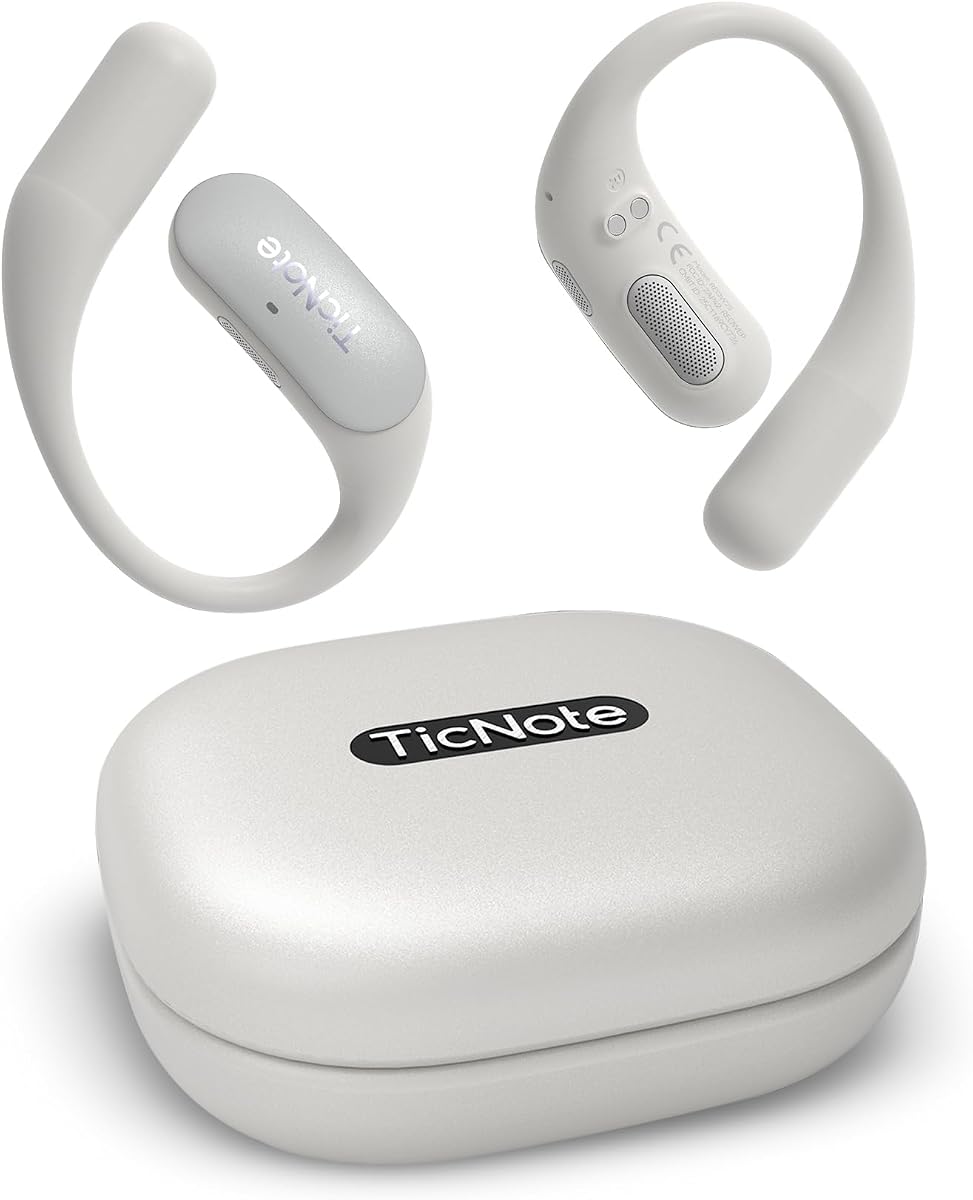
TicNote Pods works best in WiFi zones. It syncs instantly and stays light. Shadow AI helps organize outputs.
We may earn a commission when you buy through this link, at no additional cost to you.
It supports 120+ languages and secure cloud. Encryption ensures private storage. Battery lasts five hours continuously.
Team features allow shared notes. This suits office workflows. It is ideal for short daily meetings.
Choose this for collaborative offices. Its cloud features simplify teamwork. It fits users with stable internet.
Built-in Shadow AI organizes notes. This helps generate useful work outputs automatically.
Share and edit notes securely. Version history ensures smooth teamwork alignment.
We may earn a commission when you buy through this link, at no additional cost to you.
Comulytic Note Pro offers a free starter plan with unlimited transcription. It uses Wi-Fi for fast sync. Privacy is protected under CCPA.
We may earn a commission when you buy through this link, at no additional cost to you.
It handles 45 hours recording. Triple mic array ensures clarity. You get storage and backup included.
Advanced tools are optional upgrades. This reduces costs for users. It is a practical daily recorder.
Choose this for budget-friendly unlimited access. It balances features and cost well. It fits professionals seeking value.
Avoid monthly costs with unlimited basic plan. This suits frequent users wanting simple AI tools.
Follows strict privacy laws for control. Your data stays encrypted and private.
We may earn a commission when you buy through this link, at no additional cost to you.
Selecting the right device depends on your workflow and environment. We analyze key factors to help you decide.
High accuracy ensures your notes reflect spoken words. Look for devices using advanced AI models like GPT. This helps with jargon and complex sentences.
Prioritize models claiming 98% accuracy for professional results.
Long battery life supports full days without charging. Some offer up to 70 hours. Check standby time if you record often.
Ensure battery covers your longest meeting events.
Privacy is critical for business data. Choose devices with ISO and HIPAA compliance. Encryption should be end-to-end to protect files.
Look for CCPA compliance and AES encryption for safety.
Fast Wi-Fi sync beats Bluetooth for efficiency. Offline support helps in restricted zones. MagSafe adds convenience for iPhone users.
Match connectivity to your work environment needs.
Multilingual teams need broad language options. Some support 150 languages. Translation features save extra work.
Ensure the device covers languages you speak.
Internal storage allows offline saving. Cloud backups prevent data loss. Some offer 64GB local storage.
Check both local and cloud limits before buying.
Mic count affects clarity. Multi-mic setups handle noise better. Directional mics focus on voices.
Choose models with noise reduction for noisy rooms.
Many require subscriptions for full features. Some offer free unlimited transcription. Check what you get for your price.
Avoid devices trapping you in monthly fees.
Start by fully charging the device. Turn it on and pair with the companion app. Familiarize yourself with record buttons.
Place the device near speakers. Ensure the surface is stable to avoid noise. Use magnetic mounts if available for hands-free recording.
Regularly sync data to the cloud. Keep the firmware updated for new features. Clean the microphones gently with a soft cloth.
Some devices support offline transcription without internet. Others require cloud processing. Check specific models for offline AI features.
Admissibility depends on local consent laws. Always inform participants before recording. Ensure your device meets privacy standards.
Speed varies by device and connection. Fast Wi-Fi models sync instantly. Processing time depends on file size.
Most devices allow exporting in PDF or text. Check compatibility with your preferred tools. Some offer desktop software for editing.
Battery ranges from 5 hours to 70 hours. Standard models offer 30 hours. Check standby duration for infrequent use.
Privacy policies vary. Reputable devices use end-to-end encryption. Avoid sharing sensitive info unless verified secure.
We reviewed ten top devices for professionals. The Plaud Note Pro leads in features. The Lite version offers budget value.
Prioritize privacy and battery for heavy use. Match features like offline support to your environment. Choose based on your primary needs.
Verify current prices and plans before buying. Tools and pricing change often. Select the one that fits your workflow best.