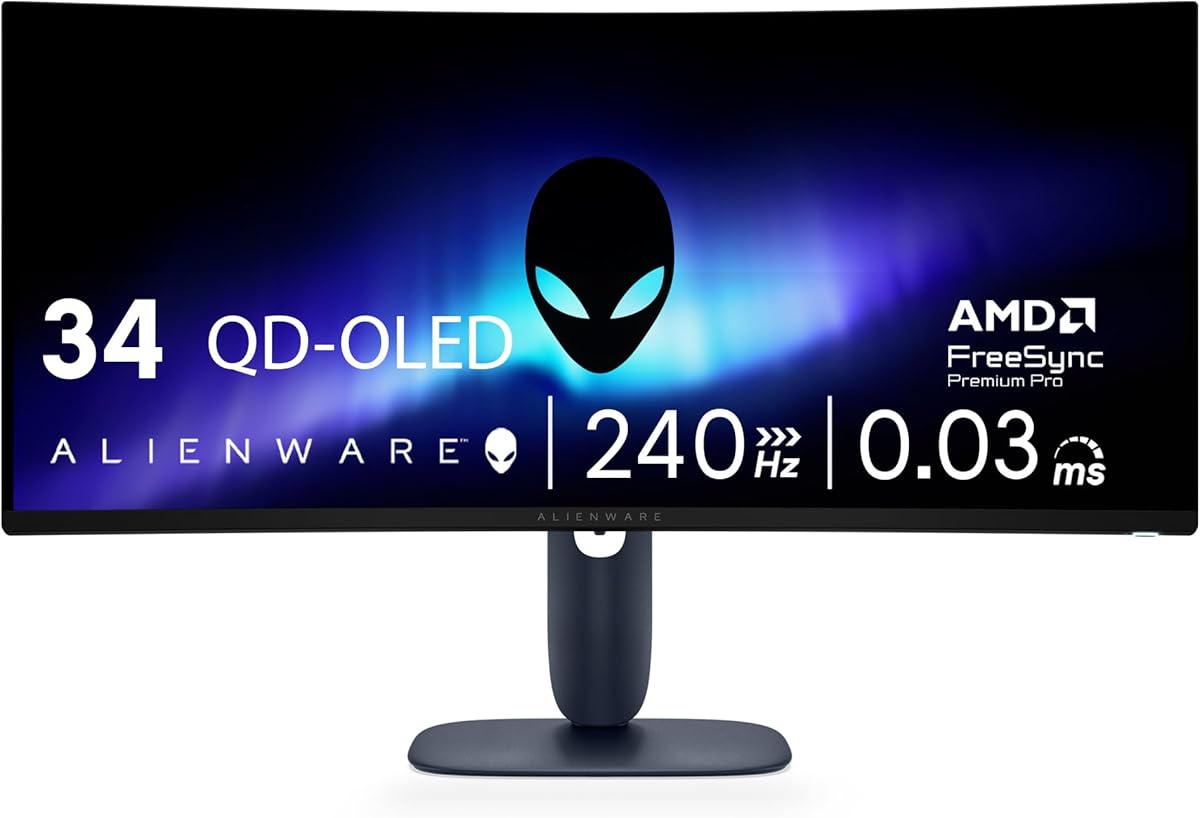
Alienware 34 240Hz QD-OLED
4.5Editor score
QD-OLED Technology
240Hz Refresh Rate
Infinite Contrast Ratio
Finding the right display is crucial for competitive gaming and immersive experiences. Alienware offers a wide range of monitors designed to deliver speed and clarity. We review the latest models to help you choose the perfect screen for your setup today.
Our team analyzed specifications like refresh rates response times, and panel technologies. We compared QHD and 4K options alongside ultrawide curves. This list covers the most relevant models available now for serious gamers and content creators seeking quality.
Each pick highlights unique strengths such as color accuracy or motion clarity. You will see detailed breakdowns of pros and cons for every option. Please note that prices and availability can change frequently on Amazon so check current listings before buying.
4.5Editor score

4.6Editor score

4.6Editor score
As an Amazon Associate we earn from qualifying purchases.
The following table provides a side-by-side comparison of all ten monitors we reviewed. It highlights key specifications like resolution refresh rates and panel types to help you quickly identify which model fits your requirements.


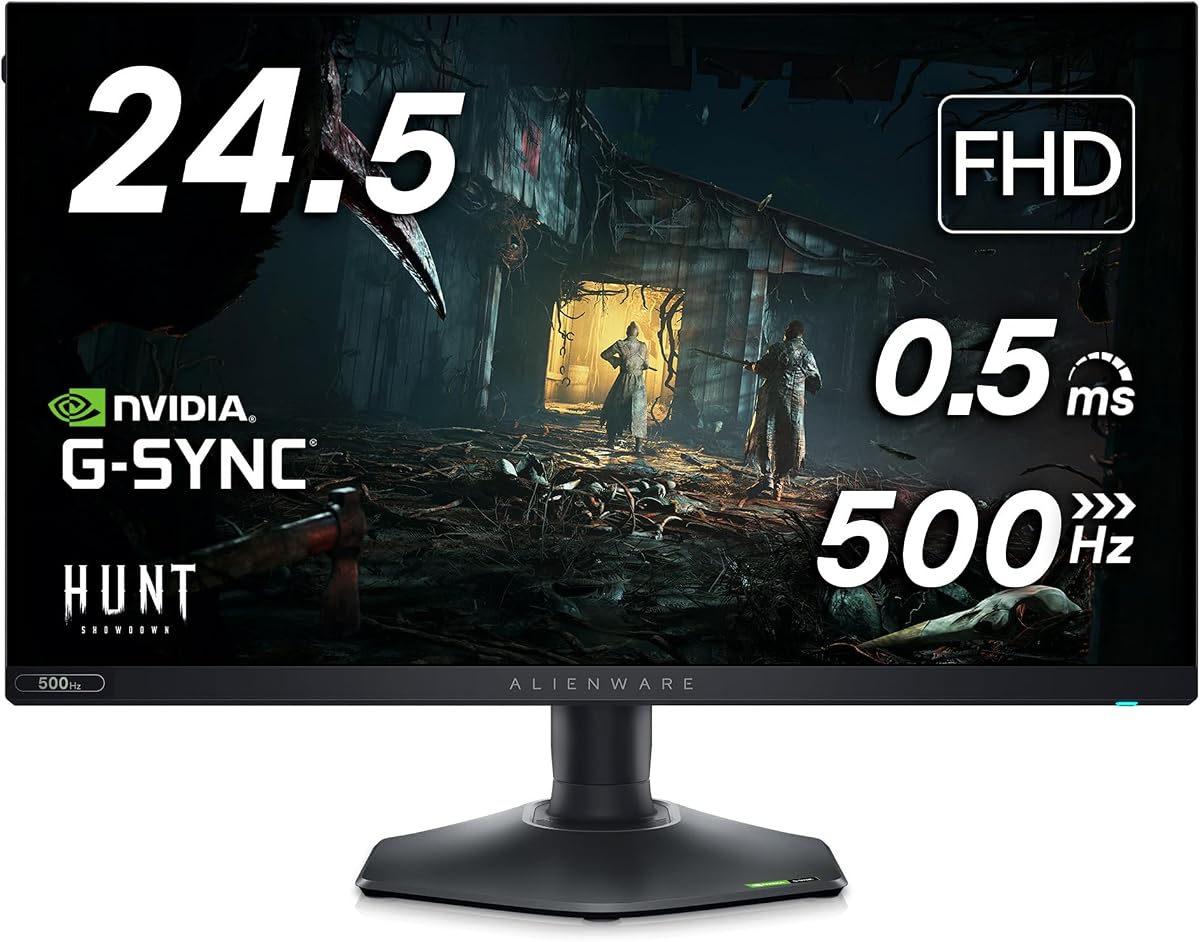


This monitor stands out as a top choice for general gaming. It offers a solid QHD resolution and a smooth 180Hz refresh rate. The Fast IPS panel ensures vibrant colors and fast response times for competitive play.
We may earn a commission when you buy through this link, at no additional cost to you.
The display covers 95% of the DCI-P3 color space which is impressive for this category. Users will appreciate the low blue light solution that reduces eye strain. The dedicated console mode also makes it versatile for mixed use.
While the HDR certification is present the brightness levels are not the highest in the market. This might be a minor drawback for pure HDR content consumers. However for gaming it remains a very capable and reliable display.
If you want a balanced experience for competitive and casual gaming this model is ideal. It delivers fluid motion and sharp visuals without breaking the bank. We recommend it for anyone seeking a dependable 27 inch gaming monitor.
The 180Hz refresh rate combined with 1ms response time ensures smooth gameplay.
Hardware-based low blue light technology helps reduce eye strain during long sessions.
We may earn a commission when you buy through this link, at no additional cost to you.
This ultrawide monitor brings elite gameplay immersion with its QD-OLED panel. The expansive 34 inch screen offers a sweeping field of view. It combines speed with stunning color clarity for a truly immersive experience.
We may earn a commission when you buy through this link, at no additional cost to you.
The color coverage is exceptional with 99.3% DCI-P3 and Delta E less than 2. This ensures colors are accurate and vibrant. The infinite contrast ratio provides deep blacks that make dark scenes look realistic.
However OLED panels can be susceptible to burn-in over time if static images are displayed. Users should enable features that mitigate this risk. Still the visual fidelity and speed make it a top choice for enthusiasts.
If you seek the best visual quality and are willing to manage OLED considerations this is the pick. The 240Hz rate and curve enhance gaming immersion significantly. It is perfect for those who want a premium screen.
The 34 inch WQHD curved display offers a seamless and expansive view.
Supports G-SYNC Compatible and FreeSync Premium Pro for smooth gameplay.
We may earn a commission when you buy through this link, at no additional cost to you.
This model is designed for esports players who prioritize speed above all. The industry leading 360Hz refresh rate delivers unbelievably smooth gameplay. You can view fast moving graphics with incredible clarity for quicker reaction times.
We may earn a commission when you buy through this link, at no additional cost to you.
The Fast IPS panel ensures consistent vivid colors across wide viewing angles. AMD FreeSync Premium and AdaptiveSync prevent stuttering during action packed sequences. The hexagonal base provides an optimized footprint for keyboards and mice.
While the resolution is Full HD it is ideal for competitive titles where frame rates matter more. The integrated headset hanger keeps your desk tidy. Some may prefer higher resolution for single player games though.
If you need the fastest response for competitive gaming this monitor is the best budget choice. It offers professional features at a reasonable price. We recommend it for serious gamers looking for an edge.
Redesigned hexagonal base allows for free movement of peripherals.
AMD FreeSync Premium Technology ensures tear-free graphics during sequences.
We may earn a commission when you buy through this link, at no additional cost to you.
This monitor features a sleek QD-OLED curved panel for immersive visuals. It boasts a stadium loop lighting design and 360 degree ventilation. The display delivers ultra-low latency gameplay and cinematic color.
We may earn a commission when you buy through this link, at no additional cost to you.
Quantum Dot technology enables a slim design with a superior color gamut range. Creator Mode offers precise color-critical work for content creators. The NVIDIA G-SYNC ULTIMATE certification ensures smooth gaming experiences.
While the price is higher the visual fidelity is unmatched in many categories. The contrast ratio and color range make scenes look stunning. However you may not need all features for casual gaming.
If you want a premium curved OLED experience this model is excellent. It balances gaming performance with creative needs. We recommend it for those who value color accuracy and design.
Legend 2.0 design includes customizable lighting and improved cable management.
Quantum Dot Display Technology delivers a higher peak luminance.
We may earn a commission when you buy through this link, at no additional cost to you.
This 27 inch Alienware monitor features a QD-OLED panel for vibrant visuals. It supports a high refresh rate which is ideal for competitive gaming. The Quantum Dot technology enhances color performance significantly.
We may earn a commission when you buy through this link, at no additional cost to you.
The design aligns with Alienware standards offering premium aesthetics and lighting. It aims to deliver fluid motion and crisp details for gaming. Users will appreciate the responsiveness of the panel.
While full specs are not detailed here the model promises high performance. It fits well into the ecosystem of modern gaming setups. Some users may need to verify specific HDR features before buying.
If you want a reliable OLED gaming monitor this is a strong contender. It offers good speed and color. We recommend it for those seeking an upgrade in display quality.
High refresh rate and Quantum Dot technology ensure smooth visuals.
The monitor includes premium build quality typical of Alienware.
We may earn a commission when you buy through this link, at no additional cost to you.
This monitor offers ultimate clarity with super-dense 166 PPI at 4K. It features advanced ultra-precise inkjet printing technology for striking color accuracy. A responsive 240Hz refresh rate makes worlds feel alive.
We may earn a commission when you buy through this link, at no additional cost to you.
Dolby Vision and VESA DisplayHDR True Black 400 produce stunning depth. The design includes 360-degree ventilation and improved cable management. This combination delivers high color purity and rendered dark scenes.
Since this is a renewed product it may have different conditions than new. Buyers should check warranty terms before purchasing. However the specs promise remarkable clarity and visual depth.
If you want a premium 4K OLED experience this is a top choice. It provides the highest pixel density for any Alienware monitor. We recommend it for those who prioritize visual fidelity.
Infinite contrast ratio and peak pixel clarity make scenes stunning.
New design combines innovative 360-degree ventilation with cable management.
We may earn a commission when you buy through this link, at no additional cost to you.
This monitor delivers a new category of speed with 480Hz refresh rate. Fast-paced games look supremely fluid on the anti-glare display. The 0.5ms response time eliminates ghosting and blurring effectively.
We may earn a commission when you buy through this link, at no additional cost to you.
Fast IPS panel features 99% sRGB coverage for consistent colors. NVIDIA Reflex Latency Analyzer helps players optimize their systems for lowest latency. This ensures you can play at your highest potential.
While it comes at a premium price the speed is unmatched. Some users might not perceive the jump from lower refresh rates. But for competitive FPS titles it is a significant advantage.
If you need the fastest response available this model is ideal. It provides motion clarity that reduces blur significantly. We recommend it for pros who demand every edge in performance.
480Hz refresh rate delivers new category of speed.
NVIDIA Reflex Latency Analyzer helps optimize systems.
We may earn a commission when you buy through this link, at no additional cost to you.
This bundle includes the same high speed monitor with extra USB accessories. You get a USB LED light and a 7-in-1 USB Type C hub. The 360Hz variable refresh rate ensures smooth gameplay.
We may earn a commission when you buy through this link, at no additional cost to you.
AMD FreeSync Premium Technology prevents stuttering during action sequences. The hexagonal base optimizes your desk space. Fast IPS panel gives vivid colors across wide viewing angles.
While the monitor is the same as the standard version the accessories add value. The hub supports HDMI and SD cards. However availability of these bundles might vary over time.
If you want a bundle with useful extras this is a great choice. It offers speed and convenience in one package. We recommend it for gamers wanting a complete setup.
Includes USB LED Light and USB Type C Hub.
360Hz variable refresh rate delivers smooth gameplay.
We may earn a commission when you buy through this link, at no additional cost to you.
This 27 inch monitor features a Fast IPS Nano Color panel for vivid colors. It supports an overclockable refresh rate of 280Hz to reduce blur. Triple sync certification ensures seamless frame synchronization.
We may earn a commission when you buy through this link, at no additional cost to you.
VESA DisplayHDR 600 delivers deeper contrast and brighter peaks. The stand is fully ergonomic with tilt and swivel adjustments. AlienFX lighting allows you to personalize your battlestation.
While HDR performance is solid it may not match OLED levels. However the color coverage is excellent for a wide gamut. Users will appreciate the low blue light technology for comfort.
If you want a reliable high-speed IPS panel this is ideal. It balances speed and color effectively. We recommend it for gamers seeking a versatile QHD experience.
Delivers vivid and accurate colors from any viewing angle.
G-Sync Compatible and FreeSync Premium Pro ensure smooth gaming.
We may earn a commission when you buy through this link, at no additional cost to you.
This 34 inch curved monitor maximizes your field of view. It offers a WQHD resolution that delivers sharp detailed images. A 120Hz refresh rate with NVIDIA G-SYNC provides smooth gameplay.
We may earn a commission when you buy through this link, at no additional cost to you.
Adopting Nano color technology the monitor exceeds sRGB spectrum. Offering 98% DCI-P3 coverage means colors are accurate as designed. The anti-glare coating helps reduce reflections.
While the refresh rate is lower than newer models it is sufficient for many. The immersive curve makes single player games more engaging. It is a classic choice for console and PC users.
If you want a proven curved ultrawide experience this model is excellent. It provides accuracy and depth. We recommend it for those prioritizing immersion over extreme speed.
The 1900R curved display maximizes the view.
Nano color technology ensures incredible accuracy.
We may earn a commission when you buy through this link, at no additional cost to you.
Selecting the right monitor involves weighing several factors. Here are key elements to consider for a balanced setup.
Panel type determines color and speed. IPS panels offer consistency while OLED provides contrast. Choose based on your preference for speed or visuals.
IPS is reliable and OLED is stunning.
Higher rates reduce motion blur. For competitive play 240Hz is ideal. For casual gaming 120Hz may suffice.
Prioritize rate for competitive gaming.
Resolution impacts sharpness. WQHD is balanced for speed and visuals. 4K requires more power but offers detail.
Choose WQHD for performance balance.
Curved screens enhance immersion. Ultrawide curves are best for single player games. Flat screens are better for competitive titles.
Curvature depends on immersion needs.
Sync prevents screen tearing. G-SYNC and FreeSync vary by GPU. Ensure your system supports the chosen tech.
Match sync to your GPU.
HDR adds depth to visuals. TrueBlack and higher nits are better. Check certification levels for quality.
Certified HDR ensures better depth.
Adjustable stands reduce strain. Look for tilt swivel and height adjustment. This helps during marathon sessions.
Adjustability is key for comfort.
Ports determine cable options. Ensure HDMI and DisplayPort match your devices. USB hubs add convenience.
Verify ports match your setup.
To start plug the monitor into your GPU using DisplayPort or HDMI. Adjust the stand height to align the screen with your eye level.
Use the OSD menu to tune brightness and color settings. Enable adaptive sync in your graphics settings for smooth gameplay.
Clean the screen gently with a soft cloth. Avoid harsh chemicals to prevent damage to the panel.
The Alienware AW2524H and AW2523HF are top picks. They feature 360Hz and 480Hz refresh rates for minimal motion blur and fast response times.
Yes most models support G-Sync Compatible. Some top tier models have NVIDIA G-SYNC ULTIMATE certification for the best performance.
OLED panels offer infinite contrast and speed. They are worth it for visuals but require care to avoid burn-in over time.
WQHD is ideal for 27 inch screens. It balances sharpness and performance better than 4K or Full HD.
Most models support height tilt and swivel. Some have hexagonal bases designed for gaming setups.
Use a soft microfiber cloth. Avoid sprays directly on the panel to prevent liquid damage.
We reviewed ten models ranging from budget to premium picks. The top three include the AW2725DM for overall value and the AW3425DW for OLED quality.
Prioritize what matters most whether speed or immersion. Higher refresh rates help competitive play while curves enhance single player experiences.
Prices change so check current listings before purchasing. Always confirm compatibility with your system.