
Lenovo 2026 Chromebook 14
5.0Editor score
MediaTek Kompanio 540 Processor
14 Inch WUXGA Touchscreen
Lightweight Portable Design
Artificial intelligence is transforming how we work and learn daily. Chromebooks now offer powerful AI tools integrated directly into the operating system. Choosing the right device ensures you can leverage these features effectively.
We have evaluated ten leading Chromebook models based on processor power, memory capacity, and AI feature access. Each product offers unique benefits for different user needs and budgets. Our analysis focuses on real-world performance and software integration.
Every pick highlights specific strengths like battery life, display quality, and cloud storage options. Prices and availability change frequently so check current listings before buying. This guide helps you find the perfect device for your AI tasks.
5.0Editor score

4.9Editor score

4.0Editor score
As an Amazon Associate we earn from qualifying purchases.
This side-by-side comparison highlights the key specifications and features of all ten selected Chromebooks. Review each model carefully to understand how their hardware and software capabilities align with your specific requirements for AI productivity and daily computing tasks.


This Acer Chromebook Plus 514 stands out as the top choice for users seeking powerful AI features. With a 4.9 rating it offers reliable performance and seamless integration of Google AI tools like Gemini and NotebookLM.
We may earn a commission when you buy through this link, at no additional cost to you.
The Intel Core i3-1315U processor delivers 2x faster speed than standard Chromebooks ensuring smooth operation for AI tasks. The inclusion of Wi-Fi 7 provides ultra-fast internet speeds essential for cloud-based AI processing and large file transfers.
While 8GB of RAM is sufficient for most daily tasks it may struggle with extremely heavy multitasking or advanced local AI workloads. The 256GB SSD is adequate but users storing large media files might need external storage solutions.
Ideal for professionals and students who need a secure fast and AI-ready device. The long battery life ensures you can work all day without interruption making it a versatile choice for any environment.
Google AI Pro includes 5TB of storage and advanced Gemini features for 12 months at no cost enhancing productivity significantly.
The 14 inch WUXGA display with anti-glare coating ensures clear visuals even in bright conditions which is vital for detailed work.
We may earn a commission when you buy through this link, at no additional cost to you.
The ASUS Chromebook Plus CX34 offers a solid balance of performance and affordability for AI users. It runs Chrome OS with built-in AI tools allowing users to write like a pro and reimagine photos with generative AI.
We may earn a commission when you buy through this link, at no additional cost to you.
Powered by the Intel Core i3-1215U processor it handles everyday tasks efficiently. The device includes 12 months of Google One AI Premium providing access to Gemini Advanced and 2TB of cloud storage which is a generous offer.
However it holds a lower rating of 3.8 which suggests some users may have experienced issues or found it less robust than higher rated models. The battery life is decent but not exceptional for all-day unplugged work.
This model suits users who want AI capabilities without spending too much. It is a good entry point for those new to Chromebooks and AI tools looking for a reliable daily driver.
Exclusive AI powered Google features like Magic Eraser and noise cancelation enhance video calls and photo editing significantly.
256GB UFS storage provides faster data access compared to traditional eMMC storage ensuring quicker app launches and file loads.
We may earn a commission when you buy through this link, at no additional cost to you.
For those who need more screen real estate the Acer Chromebook Plus 515 is an excellent choice. Its 15.6 inch Full HD touch display provides ample space for multitasking and viewing AI generated content clearly.
We may earn a commission when you buy through this link, at no additional cost to you.
The Intel Core i3-1305U processor ensures smooth performance for editing files while watching shows. Users get 12 months of Google AI Pro which includes NotebookLM and 2TB of cloud storage to boost productivity and creativity.
The device weighs more than smaller 14 inch models which might reduce portability slightly. Battery life is rated up to 10 hours which is standard but not outstanding for long travel days.
This Chromebook is ideal for users who prioritize screen size and performance over extreme portability. It is well suited for home office work or classroom use where larger visuals are beneficial.
Unlock NotebookLM for 12 months at no cost to help organize drafts and optimize materials with AI assistance.
DTS Audio and two built-in stereo speakers deliver immersive sound for online lectures and media playback.
We may earn a commission when you buy through this link, at no additional cost to you.
The acer Chromebook Plus Spin 714 delivers a premium computing experience with dedicated AI hardware. The Intel Core Ultra 5 processor includes a dedicated engine to unlock new AI experiences and immersive graphics.
We may earn a commission when you buy through this link, at no additional cost to you.
Its 14 inch WUXGA touch display offers a crystal clear visual experience with narrow bezels and 120Hz refresh rate. Thunderbolt 4 support allows for fast data transfer and connectivity to external devices or docks.
While it has a high price point the features justify the cost for power users. The N/A rating suggests it is a newer model with fewer user reviews available compared to established competitors.
This device is perfect for professionals who need a premium build quality and fast connectivity. The 120Hz display and AI engine make it stand out for creative and technical tasks.
Unlock new AI experiences and high-performance low power processing with the dedicated Intel Core Ultra 5 engine.
Antimicrobial Gorilla Glass display with touch and 120Hz refresh rate offers a modern and responsive visual experience.
We may earn a commission when you buy through this link, at no additional cost to you.
This version of the Acer Chromebook Plus 514 offers double the storage at 512GB which is great for media files. It features a Quick Insert key that creates high-resolution images and offers writing assistance for seamless creativity.
We may earn a commission when you buy through this link, at no additional cost to you.
The Intel Core i3-N355 processor ensures smooth performance for everyday tasks. With 8GB LPDDR5X RAM and 512GB SSD storage access is fast and load times are reduced for all apps.
The laptop meets MIL-STD 810H military standards for reliability in harsh conditions. However at 3.09 lbs it is slightly heavier than other models which may affect portability for daily commuters.
Ideal for users needing more local storage and durability. The Quick Insert key makes it a strong contender for creative workflows and professional use cases.
The dedicated Quick Insert key creates high-resolution images and offers writing assistance for seamless creativity.
Supports expanding the workspace with 3 external monitors via HDMI or USB Type-C without a docking station.
We may earn a commission when you buy through this link, at no additional cost to you.
The Lenovo 2026 Chromebook 14 is a budget friendly option that earns a perfect 5.0 rating. It features a vivid 14 inch WUXGA touchscreen ideal for interactive digital textbooks and campus research.
We may earn a commission when you buy through this link, at no additional cost to you.
Powered by an 8-core MediaTek Kompanio 540 processor it runs ChromeOS smoothly across web browser tabs and productivity apps. The 50Wh battery provides all-day portability for students on the move.
The 4GB RAM and 64GB storage may be limiting for heavy multitasking or large file storage but are adequate for typical student work. The lightweight design ensures it fits easily into any backpack.
This laptop is the best choice for students who need a reliable and affordable device for basic computing and learning tasks. It offers great value for money.
The 10-point multi-touch technology makes it perfect for interactive digital textbooks and campus research.
Waves MaxxAudio Stereo Speakers deliver crisp clarity for online lectures and study group video calls.
We may earn a commission when you buy through this link, at no additional cost to you.
This Acer Chromebook Plus 514 model mirrors the features of earlier versions offering consistent performance. It includes a white backlit keyboard and a 1080p webcam with a privacy shutter for secure video conferencing.
We may earn a commission when you buy through this link, at no additional cost to you.
The device features 8GB LPDDR5X RAM and 512GB SSD storage ensuring efficient multitasking and ample space for files and media. It supports up to three external monitors for expanded workspace.
While it shares similarities with other 514 models it maintains a strong 4.3 rating indicating user satisfaction. The military grade durability ensures reliable performance in various environments.
Suitable for business and education needs requiring a robust and feature-rich Chromebook. The backlit keyboard adds convenience for low-light work environments.
Features a 1080p webcam with a privacy shutter to prevent unauthorized viewing during video chat or conference needs.
Meets MIL-STD 810H military standards for reliable performance in harsh conditions and daily use.
We may earn a commission when you buy through this link, at no additional cost to you.
This Chromebook provides essential AI capabilities and performance for everyday tasks. The Intel Core 3 Processor N355 ensures smooth operation for web browsing and basic AI applications.
We may earn a commission when you buy through this link, at no additional cost to you.
It includes 8GB of onboard LPDDR5X memory and a 512GB PCIe Gen4 SSD which offers fast storage access and reduced load times. Wi-Fi 6E and Bluetooth 5.3 keep you connected efficiently.
The 4.0 rating suggests it is a solid but standard device without standout premium features. It is a reliable choice for users who need basic AI tools without extra costs.
Good for general home or school use where high performance is not the primary requirement. The touchscreen adds usability for interactive content.
512GB PCIe Gen4 SSD delivers fast storage access and reduced load times for improved workflow.
Intel Wireless Wi-Fi 6E and Bluetooth 5.3 ensure blazing-fast wireless speeds and seamless device pairing.
We may earn a commission when you buy through this link, at no additional cost to you.
This model features an AMD Ryzen 3 7320C processor for 2x faster performance compared to standard options. It supports up to 12 hours of battery life which is excellent for long work sessions.
We may earn a commission when you buy through this link, at no additional cost to you.
Google AI Pro offers 5TB of storage and advanced Gemini features for 12 months at no cost. The OceanGlass Touchpad provides a smooth and responsive experience for navigation.
Storage is limited to 128GB SSD which might fill up quickly with media. The 4.5 rating reflects strong user satisfaction with performance and AI integration.
A great choice for users needing long battery life and AI productivity. The AMD processor delivers robust speed for daily tasks and cloud collaboration.
Up to 12 hours of battery life ensures all-day work and study without interruptions.
OceanGlass Touchpad offers a responsive and durable touch experience for precise navigation.
We may earn a commission when you buy through this link, at no additional cost to you.
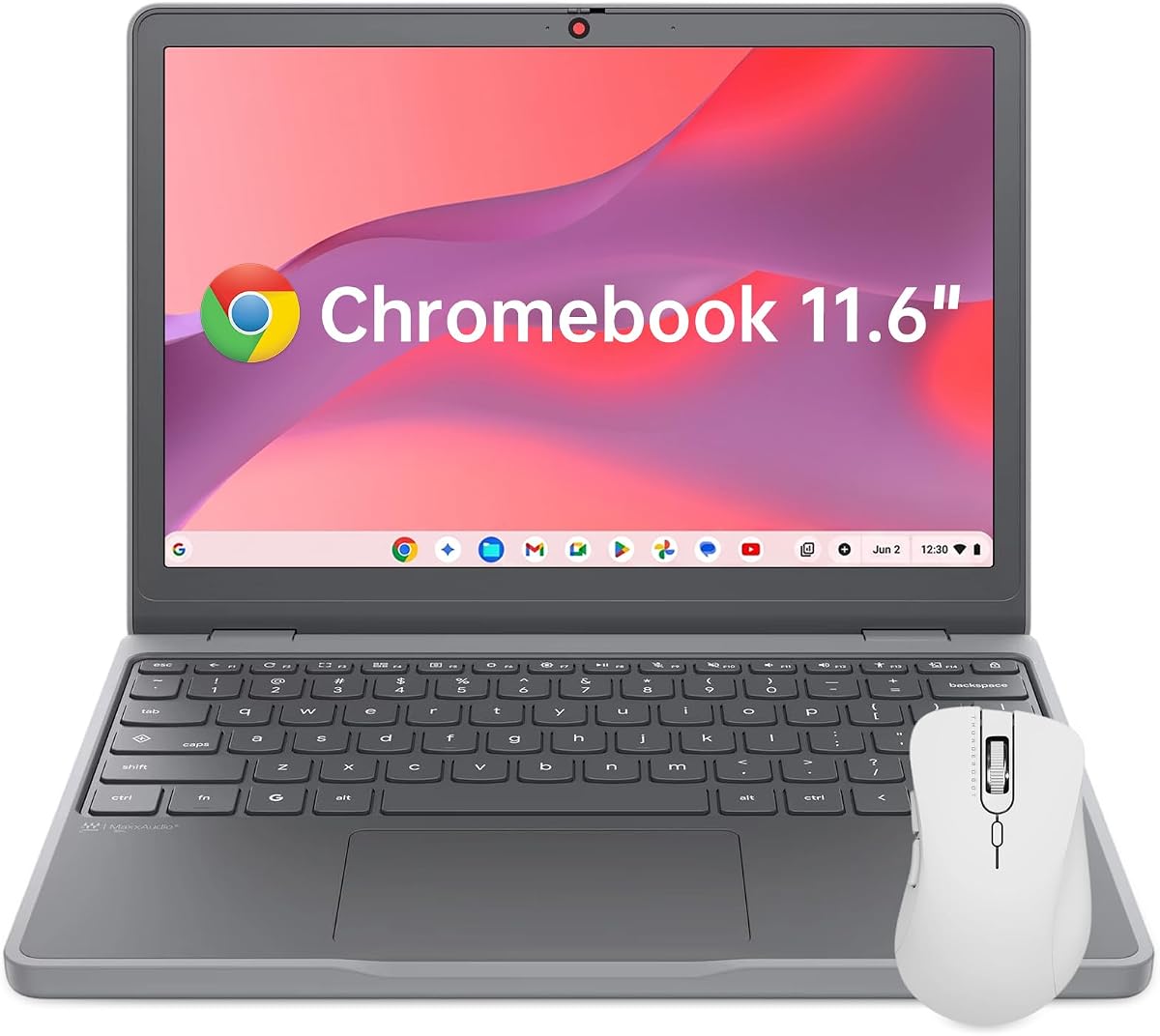
This Lenovo Chromebook is designed for extreme portability with a slim 0.73-inch profile and weight starting at just 2.69 lbs. It is perfect for travel and commuting between classes or office.
We may earn a commission when you buy through this link, at no additional cost to you.
Equipped with a Google H1 Security Chip and physical camera shutter it offers built-in privacy and security. The MIL-SPEC rugged durability ensures it can handle daily drops and wear.
The small 11.6 inch screen and 4GB RAM limit its capabilities for heavy multitasking but are fine for basic tasks. The 65W USB-C adapter allows for quick and convenient charging.
Ideal for travelers and students needing a lightweight backup or primary device. Its security and durability features make it a safe choice for daily use.
Weighing starting at just 2.69 lbs with a slim 0.73-inch profile it slips effortlessly into backpacks.
Integrated Google H1 Security Chip protects your school work or home use data effectively.
We may earn a commission when you buy through this link, at no additional cost to you.
Selecting the right Chromebook for AI requires careful attention to processor capabilities and memory capacity. This guide outlines the essential factors to consider for a smart purchase decision.
The processor is the brain of your device and critical for AI tasks. Look for newer Intel Core i3 or Ultra series and AMD Ryzen models. These chips offer faster speeds and dedicated AI engines for smoother operation.
Prioritize models with at least 8 cores or higher clock speeds for best performance.
RAM determines how many apps you can run simultaneously without slowdown. For AI tools and multitasking 8GB is the recommended minimum. Some models offer 4GB which may limit heavy workflows significantly.
Always choose 8GB or more to ensure smooth daily usage.
Storage holds your files apps and downloaded content. While cloud storage is common having at least 256GB of SSD storage is ideal. SSDs provide faster access times than traditional hard drives.
Opt for 512GB if you store large local media files regularly.
Fast internet is essential for cloud-based AI processing. Wi-Fi 6E or Wi-Fi 7 ensures you have the fastest speeds. Bluetooth 5.3 is also standard for connecting peripherals like headphones.
Check for USB-C ports and HDMI output for connecting external monitors.
Long battery life is crucial for on-the-go work. Look for devices rated at 10 hours or more. Some models offer up to 17 hours which allows for all-day use without charging.
Consider your typical usage time when selecting battery capacity.
A high-quality screen reduces eye strain and improves clarity. WUXGA (1920×1200) or Full HD (1920×1080) displays are standard. Touchscreens add versatility for navigating AI tools and digital content.
Anti-glare coatings are beneficial for outdoor or bright room use.
Many Chromebook Plus models offer free trials of Google AI Pro. This includes access to advanced Gemini features and extra cloud storage. Verify which models include 12 months of AI Premium plans.
Ensure the device supports NotebookLM and integrated Gmail tools.
For daily use and travel durability is key. Look for MIL-STD 810H certification which indicates resistance to drops and harsh conditions. Spill-resistant keyboards and privacy shutters add to the value.
Choose models with robust build quality for long-term reliability.
To get the most out of your device enable all AI features in your ChromeOS settings. Regularly check for system updates to ensure you have the latest security patches and software improvements.
Protect your device by keeping it in a protective case during travel. Avoid exposing it to extreme temperatures or moisture which can damage internal components and reduce battery lifespan.
Manage your storage by clearing cache and unused files frequently. Use cloud storage for large files to free up local space and ensure your device runs smoothly.
A Chromebook suitable for AI tasks should have a fast processor like an Intel Core i3 or higher and at least 8GB of RAM. These specifications ensure the device can handle cloud-based AI tools smoothly. Additionally having Wi-Fi 6E or 7 connectivity is crucial for fast data transfer.
Many Chromebook Plus models include a 12-month subscription to Google AI Pro at no extra cost. This includes access to advanced Gemini features and cloud storage. After the trial you may need to subscribe to continue using these premium services.
Battery life varies but most models offer at least 10 hours of use. Some high-end versions can last up to 17 hours on a single charge. Actual battery life depends on usage intensity brightness settings and network conditions.
While Chromebooks are primarily cloud-based some models with powerful processors can run lightweight local AI apps. However for most tasks like image generation or text processing cloud tools are the standard approach.
Yes many models feature MIL-STD 810H military grade durability. This ensures they can withstand drops and harsh conditions. Look for spill-resistant keyboards and protective materials for added safety.
Wi-Fi 7 provides the fastest speeds and is ideal for heavy data transfers. However Wi-Fi 6E is sufficient for most AI tasks. Ensure you have a stable connection regardless of the standard.
Choosing the right Chromebook for AI depends on your specific needs and budget. The Acer Chromebook Plus 514 stands out for performance while the Lenovo 2026 offers great value.
Prioritize models with 8GB RAM and fast processors to ensure smooth AI integration. A good battery life and durable build will also enhance your daily experience.
Prices and availability change often so check current listings before buying. Always verify the included AI trial details to maximize your investment in this technology.