
Dell Inspiron 15.6 FHD Touchscreen
4.7Editor score
Affordable price point for users
Intel Core i5 10 core processor
Numeric keypad included standard
Discover the top laptops with keypad and touchscreen for productivity. We compare performance, display quality, and design to help you choose the right device.
Finding the right laptop requires balancing power with usability. A keypad and touchscreen combination offers versatility for both data entry and creative control. This guide explores models that excel in these specific areas for modern workflows.
We evaluated each device based on processor speed, memory capacity, and display responsiveness. Our analysis focuses on how well these laptops handle multitasking and touch interactions. You will see how each model fits different professional and personal needs.
Each pick highlights unique strengths like battery life or port selection. We detail what makes these units stand out in a crowded market. Please note that availability and offers change frequently so check current listings before buying.
4.7Editor score

4.0Editor score

5.0Editor score
This side by side comparison lists all ten top rated models. Each entry highlights key specifications like processor type and memory size. Use this table to quickly identify the device that matches your specific performance requirements.


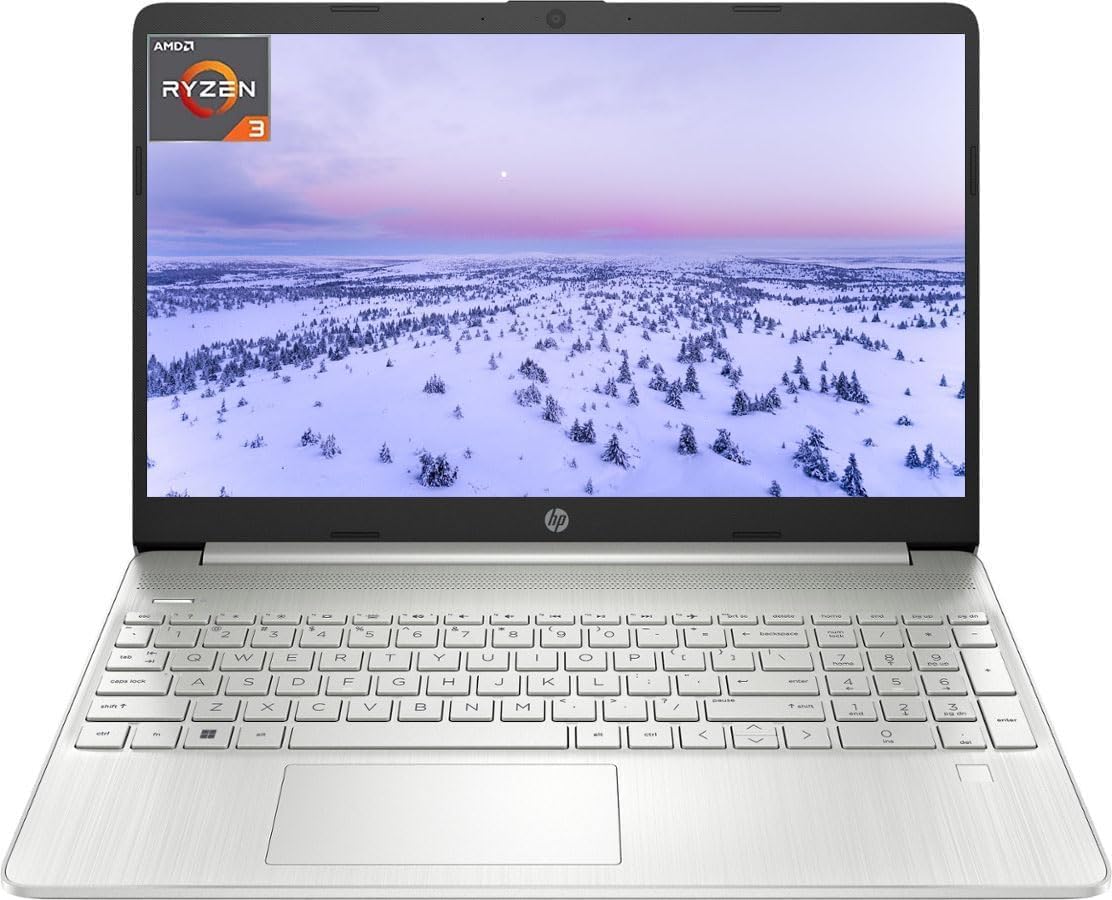

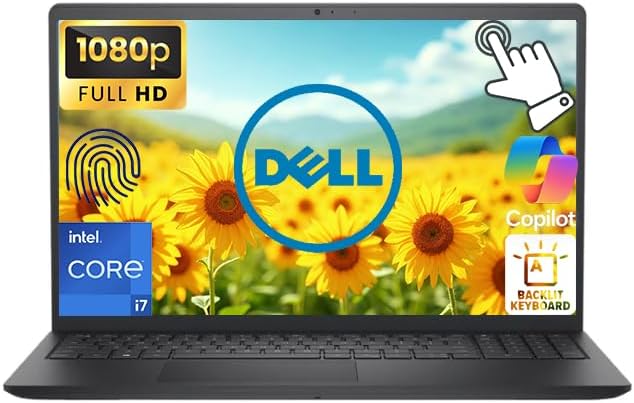


This laptop leads the pack with robust memory and storage options. It scores a solid 4.0 rating from users who value raw performance. The combination of a high speed processor and ample RAM makes it a powerhouse for daily tasks.
We may earn a commission when you buy through this link, at no additional cost to you.
The 32GB RAM ensures that switching between applications remains fluid even with many browser tabs open. Users appreciate the responsive Full HD IPS touchscreen which provides clear visuals for presentations and media. The numeric keypad is a crucial addition for anyone who deals with data entry regularly.
While the build is sturdy the weight is typical for this screen size. Some might find the battery life adequate but not exceptional for heavy travel. These trade offs are acceptable given the strong performance metrics and connectivity options it offers.
Ideal for students and professionals who need reliability and power in one machine. If you require a device that handles multitasking without lag this is the top recommendation for your needs.
The 32GB RAM allows for seamless switching between Excel, video calls, and research tabs without slowing down the system.
Windows 11 Pro and a full size keyboard with numeric keypad make spreadsheets and budgeting tasks faster and more efficient.
We may earn a commission when you buy through this link, at no additional cost to you.
This model stands out with its expansive 17.3 inch display and top tier processor. It holds a perfect 5.0 rating indicating exceptional user satisfaction. The premium features justify the investment for those needing a desktop replacement with touch capabilities.
We may earn a commission when you buy through this link, at no additional cost to you.
The Intel Core i7 processor handles demanding applications with ease ensuring no lag during intensive work. The large touchscreen offers more room for studying and creating making it great for detailed projects. Advanced battery technology promises extended usage without constant tethering to an outlet.
Portability is reduced due to the larger chassis which may be a factor for frequent travelers. The higher cost reflects the upgraded specs but might not suit budget constrained buyers. These factors are minor compared to the performance gains it provides.
Best suited for professionals or students needing a large workspace and high performance. Choose this if screen real estate and processing speed are your top priorities over portability.
The spacious 17.3 inch HD+ display provides vibrant visuals and crisp audio to keep you fully engaged during work or streaming.
Equipped with a quantum optimized battery this device ensures uninterrupted workflow through extended operational cycles without frequent charging.
We may earn a commission when you buy through this link, at no additional cost to you.
This Dell model offers strong performance at a very competitive price. It earns a high 4.7 rating for balancing cost with utility. It is an excellent choice for users seeking essential features without overspending on premium specs.
We may earn a commission when you buy through this link, at no additional cost to you.
The 10 Core i5 processor delivers reliable speed for everyday tasks and light creative work. A 15 inch FHD touchscreen provides clear visuals while the numeric keypad aids in quick data entry. The inclusion of AI Copilot adds modern assistance features to the mix.
The 8GB RAM and 256GB SSD may feel limited for heavy multitasking or large file storage. Upgrades might be needed for power users but this unit covers most standard needs effectively. The value proposition remains strong for general office work.
Perfect for school education or small business needs where budget is a primary concern. Select this if you want a capable touch laptop without breaking the bank.
Equipped with Intel Core i5 10 core processor it offers the ideal set of features to turn you into an unstoppable machine.
Includes a numeric keypad and versatile ports like USB-C and HDMI for easy connectivity to external displays and peripherals.
We may earn a commission when you buy through this link, at no additional cost to you.
This unit prioritizes security with Windows 11 Pro which adds layers of protection against malware. It holds a 4.3 rating from users needing secure business environments. The robust storage and memory specs ensure it remains relevant for years.
We may earn a commission when you buy through this link, at no additional cost to you.
The 11th Gen i5 processor balances speed and efficiency well for business applications. Express Charge capability allows you to get significant battery power in just 60 minutes which is vital for busy schedules. The numeric keypad is standard for data heavy workflows.
The plastic chassis is durable but not as premium as metal options. Battery life is average meaning you will need to carry a charger for all day use. These compromises are acceptable given the security features included.
Recommended for business users requiring secure OS features and reliable performance. Choose this if data protection and storage capacity are key requirements.
Experience the most secure Windows ever built with fast boot times and added protection against phishing and malware.
Comes with Express Charge capabilities that minimize the time you spend tethered to an outlet and will recharge your battery 80% in 60 minutes.
We may earn a commission when you buy through this link, at no additional cost to you.
This laptop focuses on a large screen and essential daily tools. It has a 4.4 rating from users looking for simple computing tasks. The integration of Microsoft 365 apps adds immediate value for home or student users.
We may earn a commission when you buy through this link, at no additional cost to you.
The 17.3 inch display makes browsing and streaming a pleasure with wide viewing angles. A secure fingerprint reader allows for instant logins which is convenient for shared devices. The numeric keypad supports easy text input and navigation.
The 128GB storage space is quite limited for storing media or large files. The basic processor handles light tasks well but struggles with heavy workloads. These trade offs are acceptable for basic use cases.
Best for home users needing a media center or light writing device. Choose this if you prioritize screen size over raw processing power.
Enjoy an immersive expansive viewing experience with intuitive touch controls that make browsing streaming and navigating your favorite content effortless.
Stay connected with a variety of ports including USB-C HDMI and Wi-Fi 6 for stable connections and data transfers.
We may earn a commission when you buy through this link, at no additional cost to you.
This model is designed for simplicity and ease of use. It holds a 4.3 rating from users needing basic computing power. The HD resolution is sufficient for casual browsing and media consumption.
We may earn a commission when you buy through this link, at no additional cost to you.
The i3 processor is adequate for web surfing and document editing. The 15.6 inch touchscreen offers intuitive control for all users. The numeric keypad is a helpful feature for entering numbers in forms or spreadsheets.
The S Mode limits app installation which can be restrictive for some users. The display resolution is not Full HD which may show pixels up close. These are minor trade offs for the price point.
Ideal for casual users or students on a tight budget. Choose this if you need a reliable machine for basic tasks.
The laptop enhances your productivity and provides a more intuitive way to navigate through applications and interact with multimedia content.
Windows 11 Home in S Mode has all the power and security of Windows 10 with a redesigned and refreshed look.
We may earn a commission when you buy through this link, at no additional cost to you.
This laptop features a stunning 2K display for sharp image quality. It has a 4.5 rating from users appreciating visual fidelity. The 16:10 aspect ratio provides extra vertical space for documents and web pages.
We may earn a commission when you buy through this link, at no additional cost to you.
The 16 inch screen balances portability and workspace well. AI noise reduction ensures clear conversations during virtual meetings which is essential for remote work. The numeric keypad remains a standard useful feature.
Battery life is adequate but not exceptional for travel on the go. The processor is mid-range so it may struggle with heavy gaming. These factors are acceptable for productivity focused tasks.
Best for designers and professionals who value screen real estate. Choose this if you need a lightweight device with a crisp display.
Enjoy clearer team conversations with AI noise reduction that tracks only your voice during conference calls while filtering out noises.
Weighs 3.61 lbs and measures 0.58 thin making it a portable design that fits perfectly in your lap.
We may earn a commission when you buy through this link, at no additional cost to you.
This business focused laptop offers high performance and security. It holds a perfect 5.0 rating for reliability. The backlit keyboard is essential for low light working environments.
We may earn a commission when you buy through this link, at no additional cost to you.
The 10 Core i7 processor ensures fast handling of business applications. A fingerprint reader adds secure and quick access to your files. The numeric keypad is included for data entry tasks.
Battery life is standard for this class of machine. The weight is moderate but acceptable for a professional desktop replacement. These trade offs are minor compared to the speed.
Ideal for professionals needing secure and fast computing. Choose this if you require a reliable business machine with strong specs.
Equipped with Intel Core i7 1355U it offers the ideal set of features to turn you into an unstoppable machine.
Includes a numeric keypad and backlit keyboard to support late night productivity and seamless data entry.
We may earn a commission when you buy through this link, at no additional cost to you.
This student focused unit offers ample storage and memory for projects. It has a 4.1 rating for general reliability. The Windows 11 Pro OS provides professional features for school work.
We may earn a commission when you buy through this link, at no additional cost to you.
The 32GB RAM allows for running multiple heavy applications at once. The 1TB SSD provides plenty of room for storing large files and software. The numeric keypad helps with math and data entry tasks.
The chassis is sturdy but might be heavier than ultra light options. The design is standard without many standout aesthetic features. These are acceptable given the raw performance specs.
Perfect for students needing a reliable machine for complex projects. Choose this if memory and storage are more important than weight.
Your always-ready experience starts as soon as you open your device and turn it on boot up and log in quickly.
Designed for the Office and Business it ensures a stylish and innovative look suitable for daily work and play.
We may earn a commission when you buy through this link, at no additional cost to you.
This model highlights modern connectivity standards. It holds a high 4.8 rating from users appreciating its speed. The WiFi 6 ensures stable connections for streaming and calls.
We may earn a commission when you buy through this link, at no additional cost to you.
The Octa-Core processor balances power and efficiency for home use. The 256GB SSD provides fast boot times. The numeric keypad is included for general data entry needs.
The 8GB RAM may limit heavy multitasking for some users. The price point is standard for these specs. These factors are acceptable for general home use.
Ideal for home users needing reliable connectivity. Choose this if you want a modern laptop with stable internet speeds.
Experience reliable performance with a Latest Intel Core i3-N305 processor that delivers outstanding performance for school and work.
Features Realtek Wi-Fi 6 and Bluetooth 5.4 for faster data transfer speeds and more stable connections than previous generations.
We may earn a commission when you buy through this link, at no additional cost to you.
Selecting the right laptop involves weighing several technical and design factors. This section breaks down the most critical features to consider for your workflow needs.
The central processing unit drives your system speed and responsiveness. Look for multi core processors like the Intel Core i5 or AMD Ryzen 7 to handle multiple apps smoothly.
Higher core counts ensure better performance during heavy tasks like video editing or virtual meetings.
RAM determines how many programs can run simultaneously without slowing down. Aim for at least 16GB of RAM if you keep many browser tabs open.
Storage speed matters too SSDs offer faster boot times than traditional drives for a snappier experience.
Touchscreens require accurate glass and clear resolution. Full HD 1920×1080 is the standard for sharp text and good color accuracy.
Check for IPS technology to ensure wide viewing angles when sharing your screen with others.
A numeric keypad is vital for data entry and accounting work. Ensure the keyboard is full size and comfortable to use for long sessions.
A well designed keypad reduces hand strain and improves typing speed over time.
Battery capacity dictates how long you can work unplugged. Look for devices claiming at least 8 hours of usage for daily mobility.
Fast charging capabilities add convenience by letting you top up quickly between meetings.
Ports determine how easily you connect external devices. USB-C and HDMI are essential for modern monitors and peripherals.
Bluetooth 5.0 or higher ensures stable wireless connections to mice and headsets.
Windows 11 offers modern features like Copilot for enhanced workflows. Pro versions provide better security for business needs.
Ensure the OS supports the apps you rely on for daily tasks.
Use touch gestures like swiping and pinching to navigate efficiently. Adjust touch sensitivity in settings to prevent accidental inputs while typing.
Keep the numeric keypad clean by using a soft brush to remove dust between keys. This maintains tactile feedback and prevents stuck keys.
Store your device in a cool dry place to protect the screen and battery. Use a screen protector to avoid scratches on the glass surface.
A numeric keypad speeds up data entry and reduces finger strain when entering numbers. It is essential for accountants and students working with spreadsheets or math.
Modern touchscreens use reinforced glass that withstands regular use. However you should avoid pressing too hard on the display to prevent cracks or pixel damage.
16GB of RAM is generally recommended for smooth multitasking. This allows you to keep multiple applications open without experiencing lag or slowdowns.
Most models include Windows 11 Home which covers standard needs. Business focused models often offer Windows 11 Pro for enhanced security and management tools.
15.6 inches is the standard balance between portability and screen real estate. Larger 17 inch screens offer more workspace but are heavier to carry daily.
Lowering screen brightness and disabling unused wireless radios helps. Closing background applications also prevents unnecessary power drain during your work sessions.
Yes SSDs offer much faster boot times and file access. They are more durable against drops and are essential for a snappy user experience.
Our top picks cover various needs from budget friendly options to premium business machines. Each model offers a unique balance of speed display quality and connectivity.
Prioritize memory and storage if you handle large files frequently. For casual use focus on screen clarity and battery longevity for daily comfort.
Prices and availability change often so verify current listings before purchasing. Check for any new deals that might offer extra value for your specific requirements.